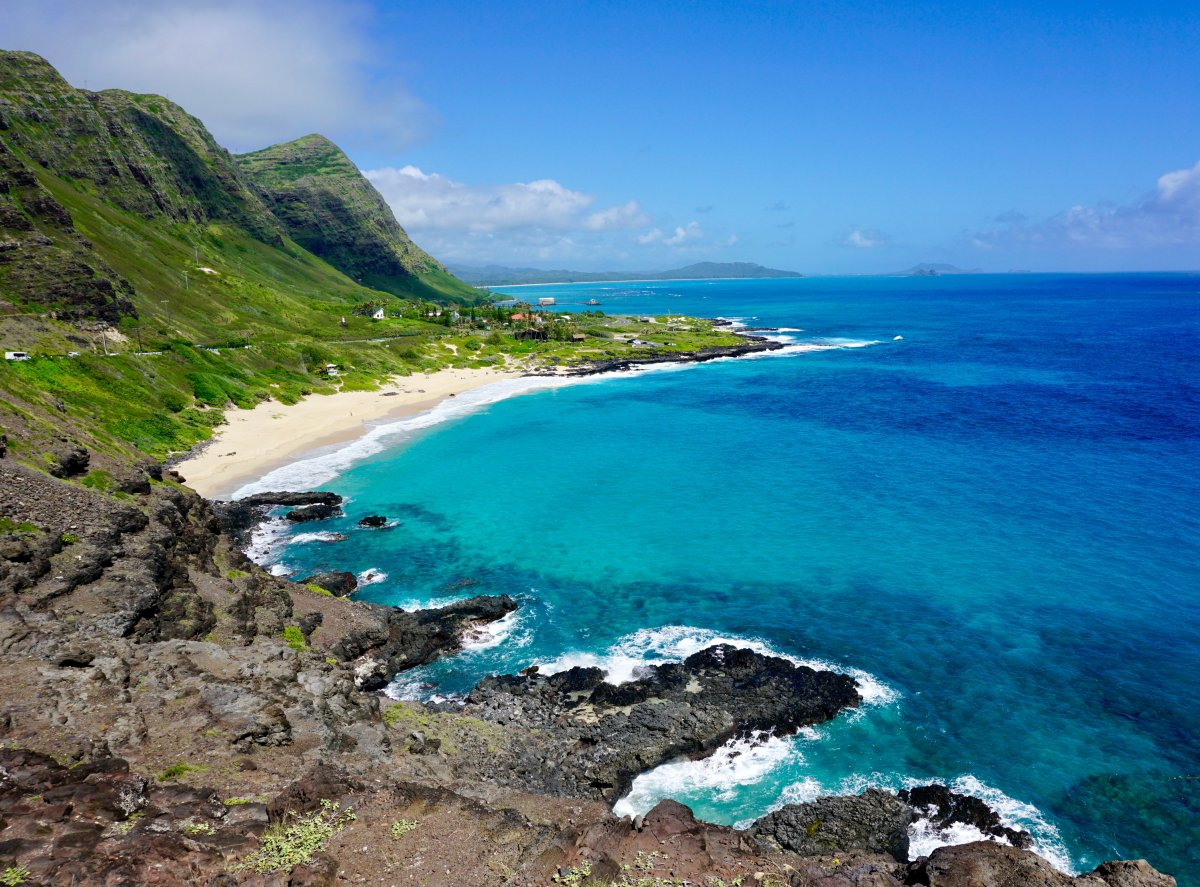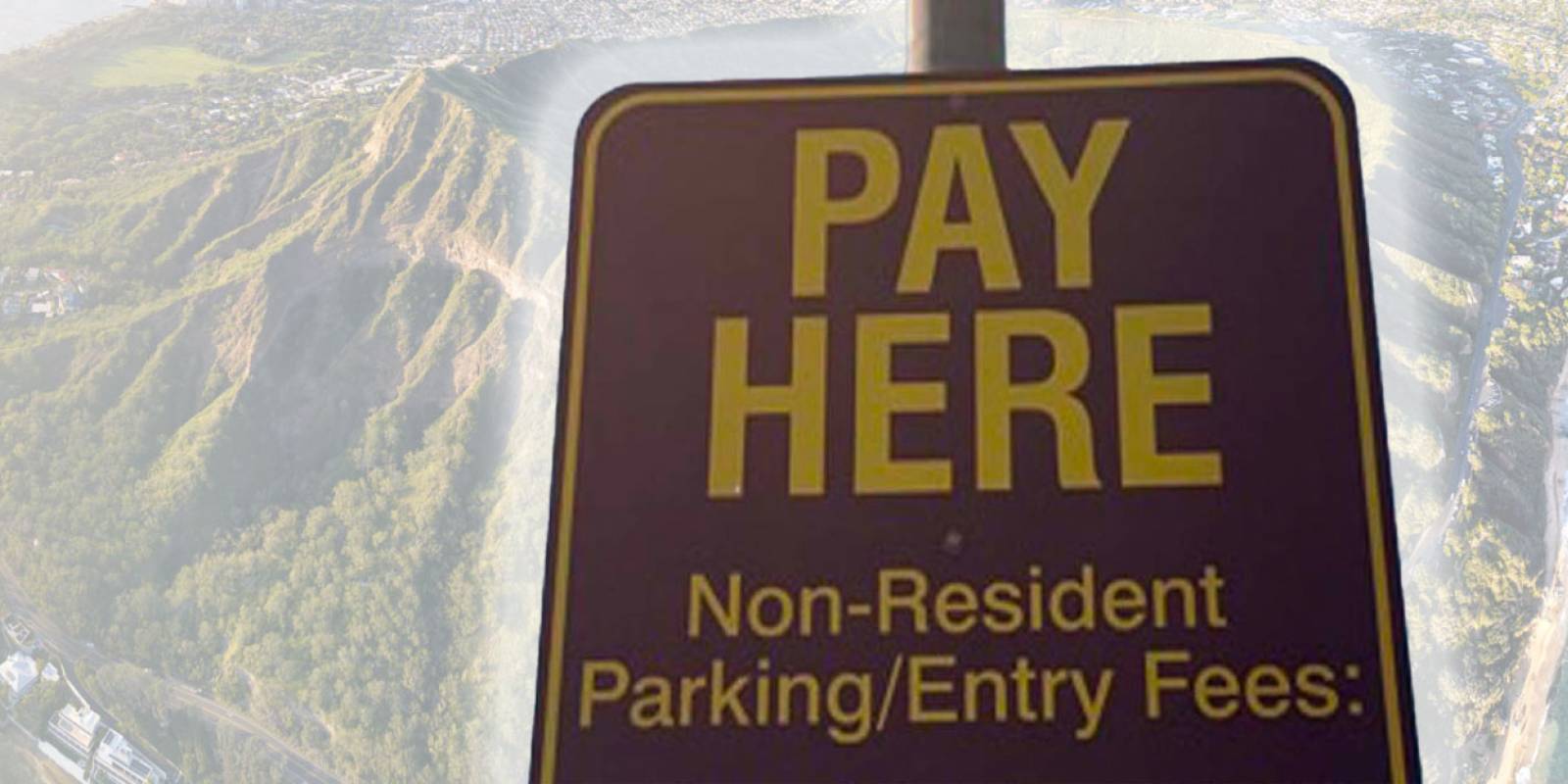



Parking payment in Hawaii runs through the operator at each location. A Honolulu street meter, a Maui beach lot, a private Waikiki garage, and a reserved Kauai park entrance can each use a different payment path. The mistake is downloading whatever app appears first in a search. Start with the sign at the exact stall or lot. Confirm the operator, zone, time limit, and rental-car plate before you pay. This is a statewide routine, not a directory of every parking operator; the location-specific rules still belong to the sign.
The short version
-
Save the rental-car plate before your first stop. Put it in your phone notes or take a clear photo.
-
Read the sign before opening an app. The logo, zone, stall number, hours, and maximum stay matter more than the app icon.
-
Keep a physical card outside your phone wallet. A pay station is often the cleanest backup when service or an app fails.
-
Wait for confirmation. A spinning screen or an unfinished checkout is not a parking session.
-
Treat reservations as a different system. Hāʻena State Park access is not a curb meter, and a national-park entrance fee is not municipal parking.
-
Move bags before you reach the lot. The complete routine is in our Hawaii car break-in prevention guide.
Match the payment system to the parking owner
I sort Hawaii parking into four buckets: city meters, county or state lots, private garages, and reservation-controlled destinations. That owner determines the rules. City meters may use coins, cards, or an approved mobile app. A county beach program may use a license-plate session. A hotel or shopping garage has its own ticket and validation terms. A protected destination may require advance parking or shuttle reservations even when there is no meter in sight. Do not carry one rule from one bucket into another. A restaurant validation does not pay a neighboring beach lot. A state-park pass does not authorize parking outside a reservation-controlled park. The posted operator owns that transaction.
Oahu: read the city meter before choosing an app
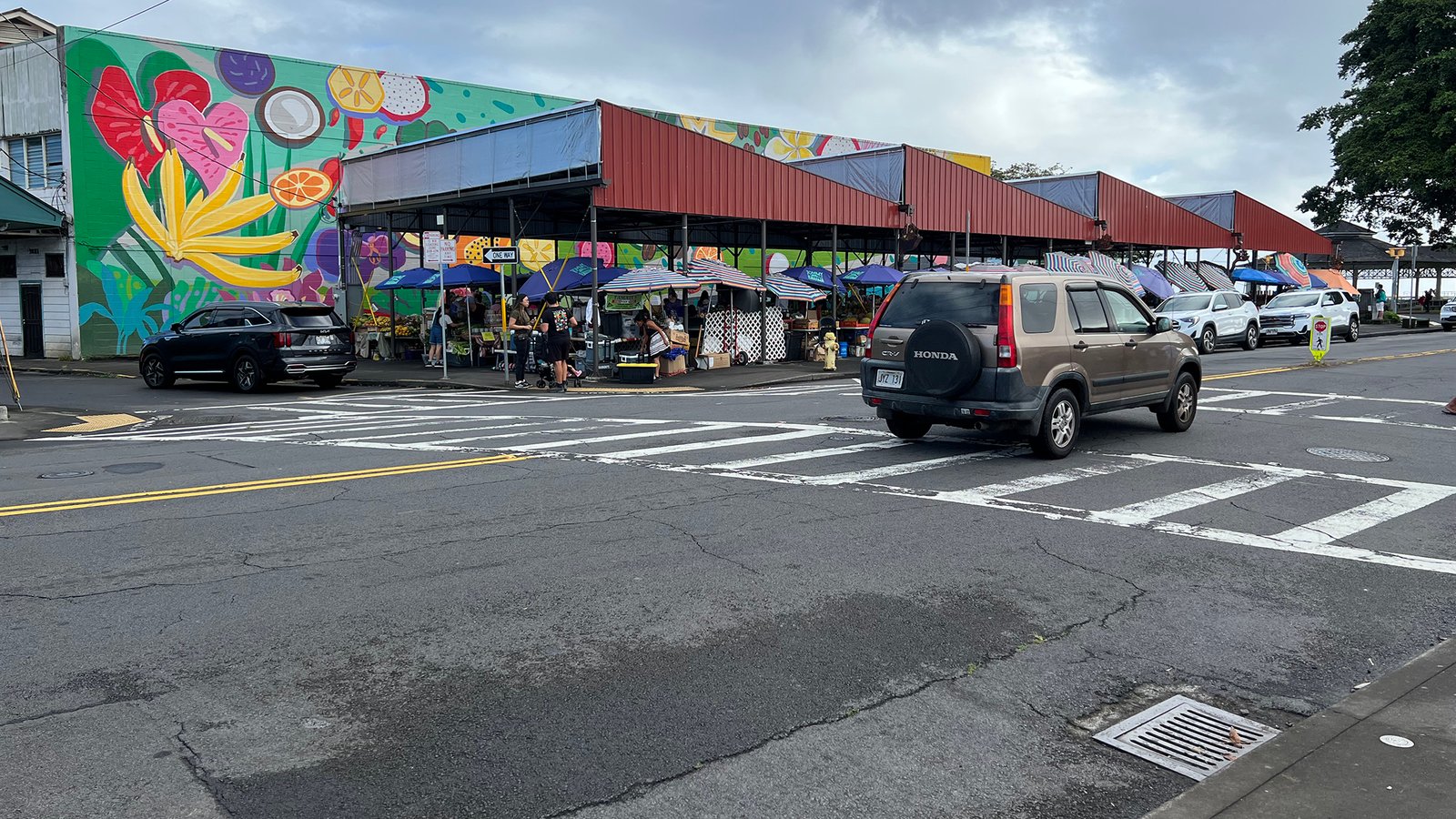
Honolulu city meters and municipal spaces are one parking system; Waikiki hotel, shopping-center, and private garages are others. Start with the display or sign at the exact city meter. It tells you whether mobile payment is available and which zone or space to enter. Private garages have their own rates, grace periods, and validation rules. Before pulling in, decide whether you need street parking for a short errand or a garage for a longer stop. Driving in circles to save a few dollars is usually the expensive choice once vacation time enters the math. Be careful with QR stickers. Confirm that the app and operator named on the screen match the meter before entering a card. If anything looks improvised, open the official app from your phone’s app store or use a payment method built into the meter.
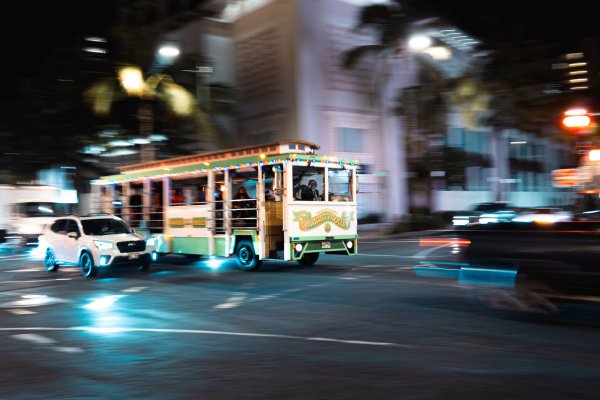
Waikiki layers city meters, hotel garages, private lots, and validation rules into a few busy blocks.
Maui: use PARK MAUI only where PARK MAUI signs appear
PARK MAUI uses its mobile app and on-site pay stations at designated locations. Its beaches page explains both payment paths and lists Kamaole Beach Park I and Kamaole Beach Park III as its paid South Maui beach-parking locations. That does not make every South Maui beach a PARK MAUI lot. Rates, resident benefits, location boundaries, and Wailuku rules belong in our regularly maintained PARK MAUI beach parking guide. Read that guide if a Kamaole stop is central to your day, then read the lot sign again when you arrive. My practical preference is the pay station when a family is sharing one rental car and nobody wants another account. Use the app when you expect repeat sessions and want the receipt on your phone. Either way, enter the plate exactly as it appears on the car.
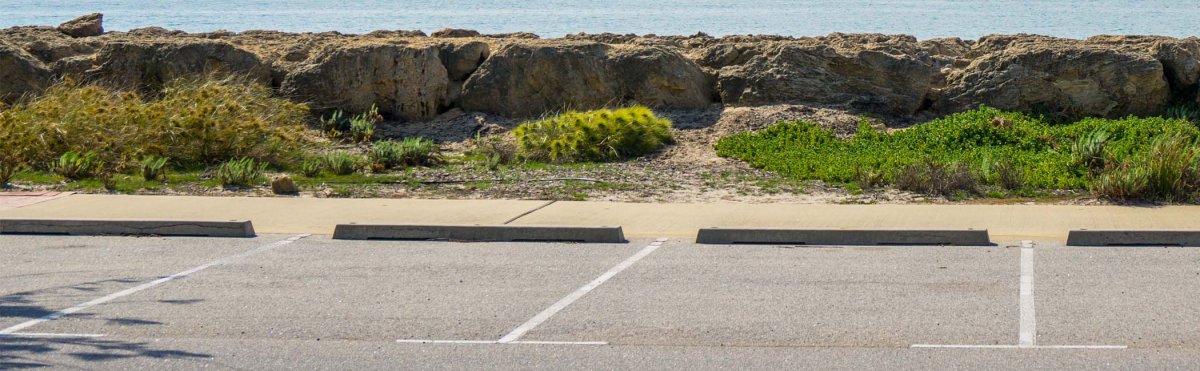
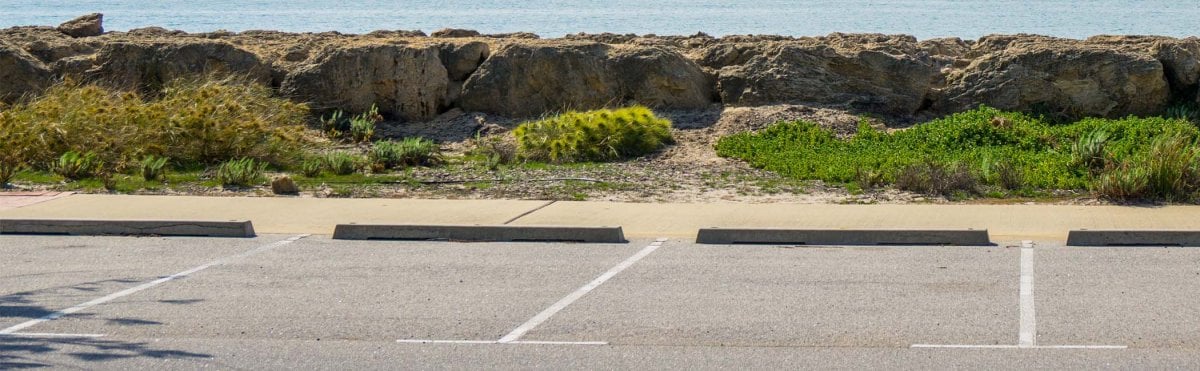
A simple beach lot can still have a license-plate session, a resident rule, or a payment boundary shown only on the sign.
Big Island and Kauai: separate parking from park access
On the Big Island and Kauai, use the same sign-first routine for ordinary lots: identify the operator, read the payment instructions, and confirm the posted zone or plate entry before walking away. This guide does not try to name every local lot operator or app. The sharper distinction at managed destinations is whether you are paying for ordinary parking, a park entrance, or a reservation. At Hawaii Volcanoes National Park, use the official NPS fees and passes page. That is a park entrance system, not a county parking meter. At Hāʻena State Park, visitors without qualifying Hawaii identification need an advance access option through Go Hāʻena, where shuttle plus entry and limited parking plus entry are separate choices. A reservation confirmation does not create legal roadside parking. If the parking option is sold out, choose the authorized shuttle or change the day. Do not invent a space on the shoulder near a protected place.
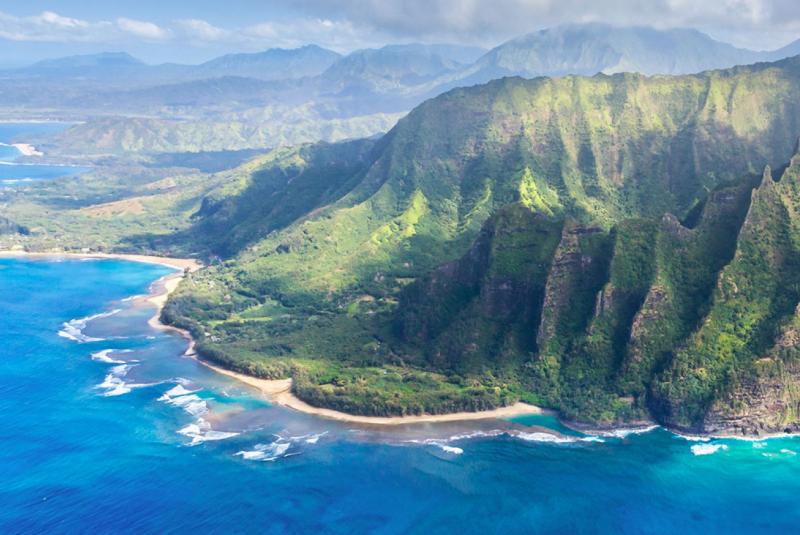
Hāʻena is a reservation-and-access decision, not a place to solve with a generic parking app after arrival.
Your pre-walk-away parking checklist
-
Stop and read the whole sign. Check the operator, hours, time limit, zone, stall number, and any resident or permit restriction.
-
Match the plate. Rental-car plates are easy to transpose. Compare the app entry with your photo before paying.
-
Confirm the location. The app should show the same place or zone printed on the sign.
-
Complete the transaction. Wait for the confirmation screen, text, email, or printed receipt.
-
Save proof. Screenshot the session or photograph the receipt and sign.
-
Set your own alarm. Do not rely on a push notification arriving through weak service.
-
Check the curb before walking away. Payment does not override a red curb, loading zone, crosswalk buffer, or posted tow-away rule. Our Hawaii crosswalk parking guide covers that separate legal layer.
Build one backup that does not depend on your phone
Keep one physical payment card accessible, even if you normally use a phone wallet. Save the rental plate offline. Screenshot reservations before leaving reliable service. A few small bills and quarters can still help at older or private facilities, but do not assume cash will satisfy a card-only pay station. Our cash versus cards in Hawaii guide covers the broader trip wallet. Then give any parking-dependent stop a Plan B. For a beach, choose a second beach park with legal parking and facilities. For a trail or reservation-controlled park, choose a different activity rather than a nearby shoulder. The backup is what keeps a full lot from hijacking half the day.
Let parking shape the rental-car schedule
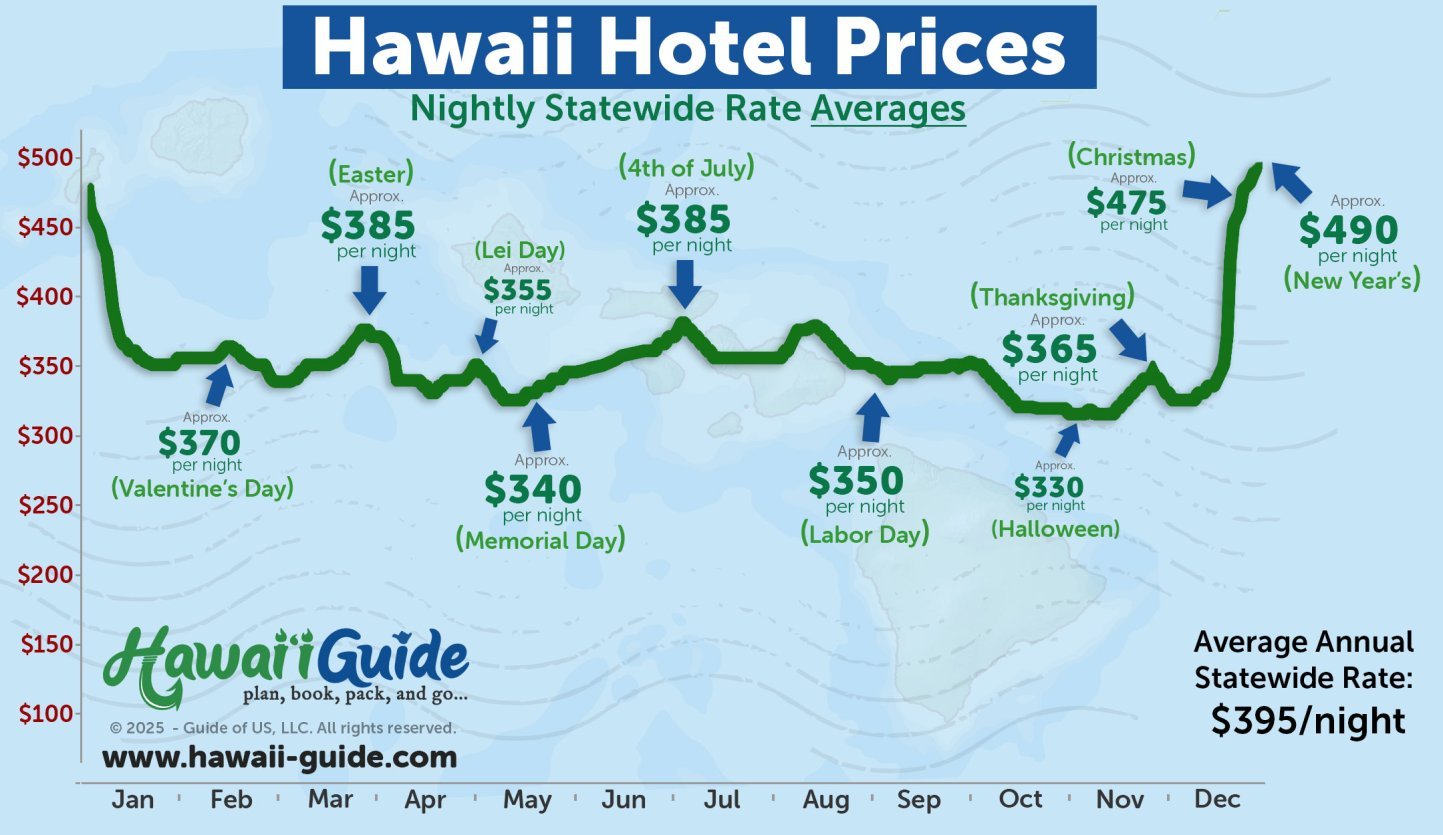
Parking is part of the rental-car price. Add hotel parking, beach or park fees, and the time spent moving the car before deciding you need it for every night of the trip. Our resort fees and hotel parking guide helps with that math. If your first days are entirely in Waikiki, a shorter rental window may beat paying for a mostly parked car. When the car does improve the trip, Discount Hawaii Car Rental has a rental-car rate search. This is an affiliate link; parking costs still need to be added separately.
Bottom line
Do not begin by hunting for a statewide parking app. Save the plate, identify the parking owner, read the exact sign, confirm the zone, and keep a pay-station or physical-card backup. The best parking plan is deliberately boring. A careful check at the car protects the beach morning, town stop, or trail day you actually came for.
Related driving and payment guides
Use these next when parking affects your route, budget, or rental-car plan.